Quality control
Catch stereo faults, stitch errors and convergence problems on the actual delivery rather than a proxy.
Faults found on the master, not the proxy
For Meta Quest
Screening Room brings your Frame.io projects into the headset — 180, 360, stereoscopic 3D — so work gets judged the way it will be delivered, and every note lands back in Frame.io where your team already works.
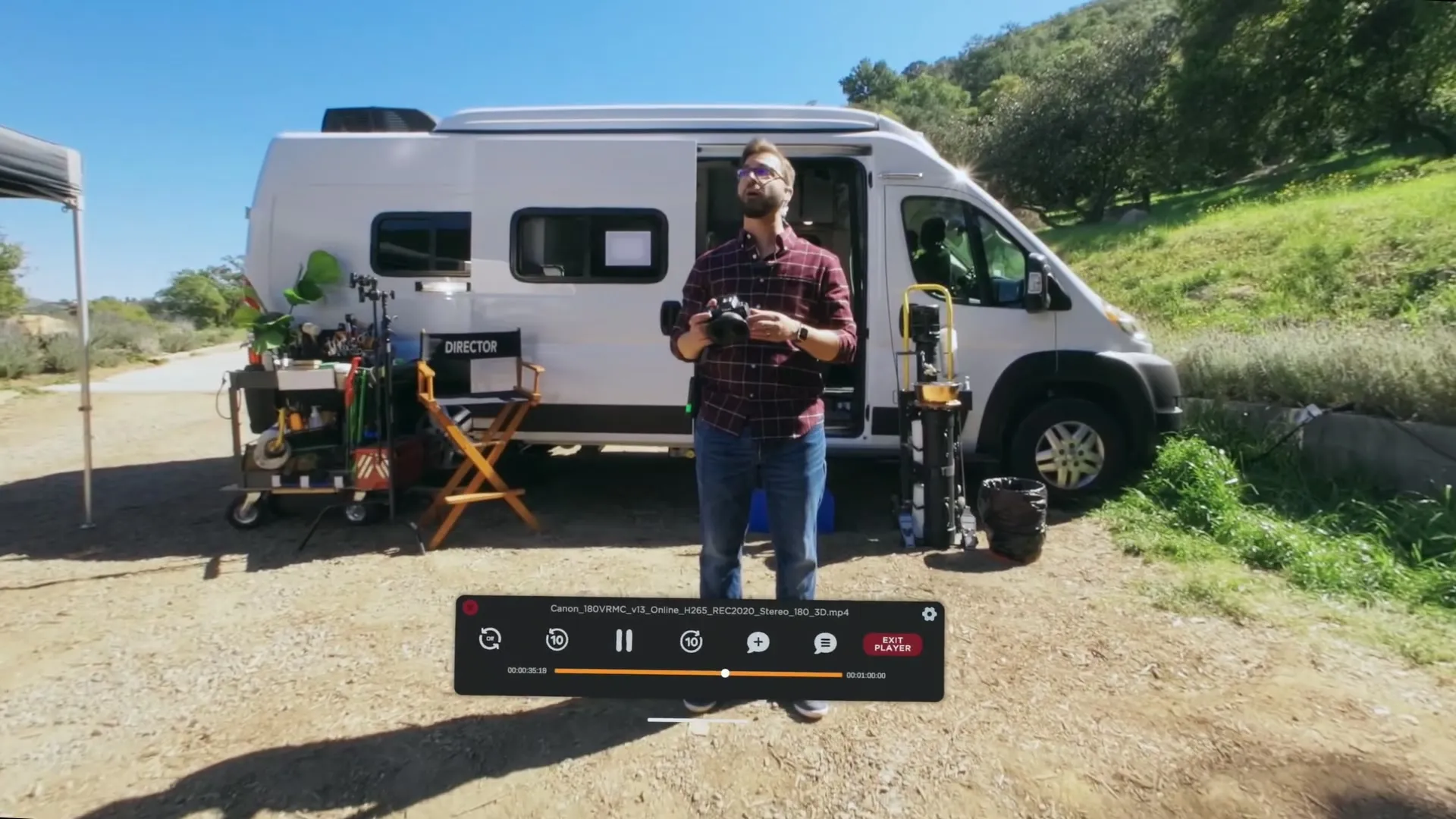
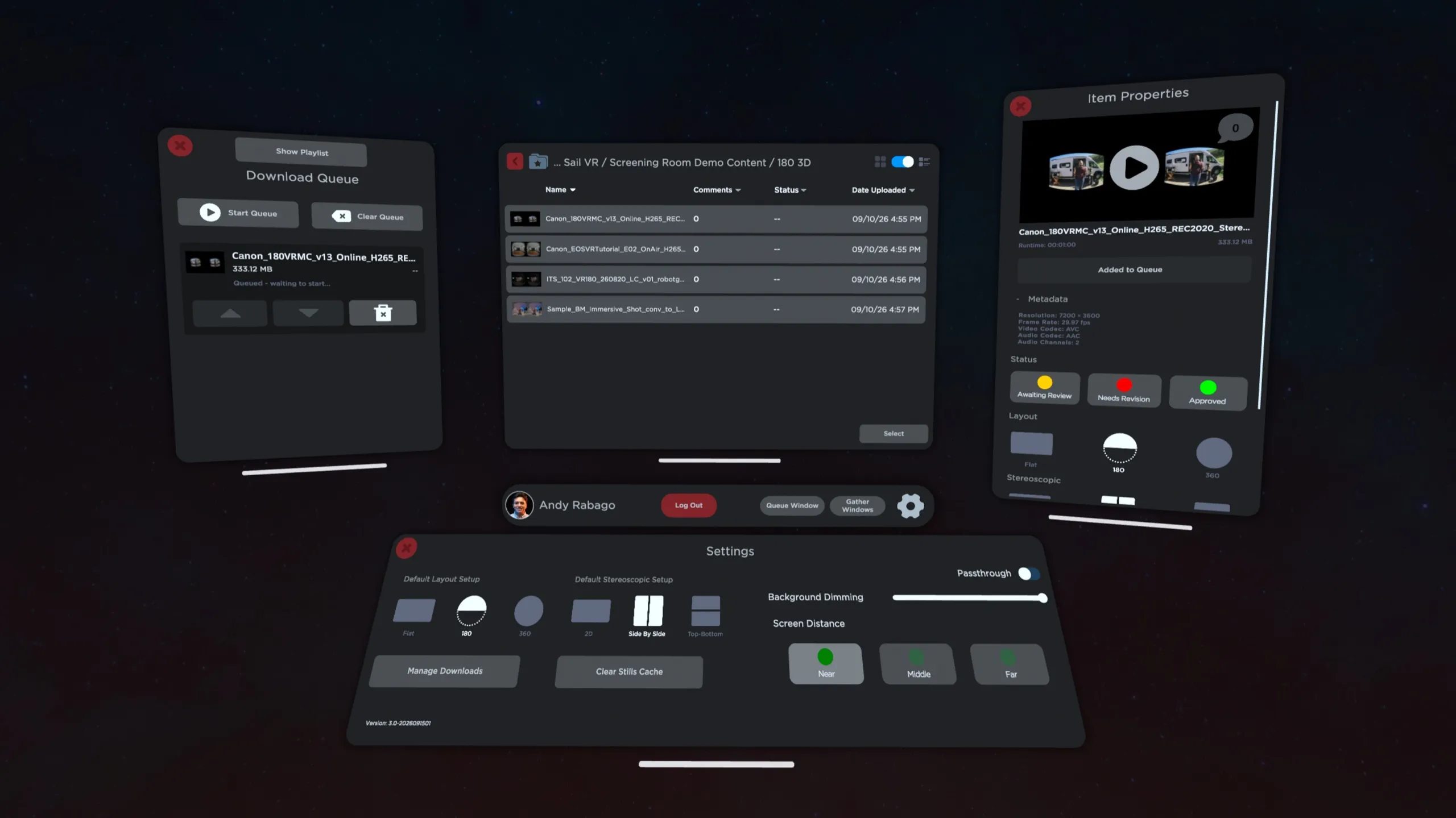
Your projects, versions, statuses, comment threads, permissions and reviewers are already in Frame.io. All of it stays exactly where it is. Screening Room signs in with your Frame.io account and becomes the immersive end of a pipeline your team already runs.
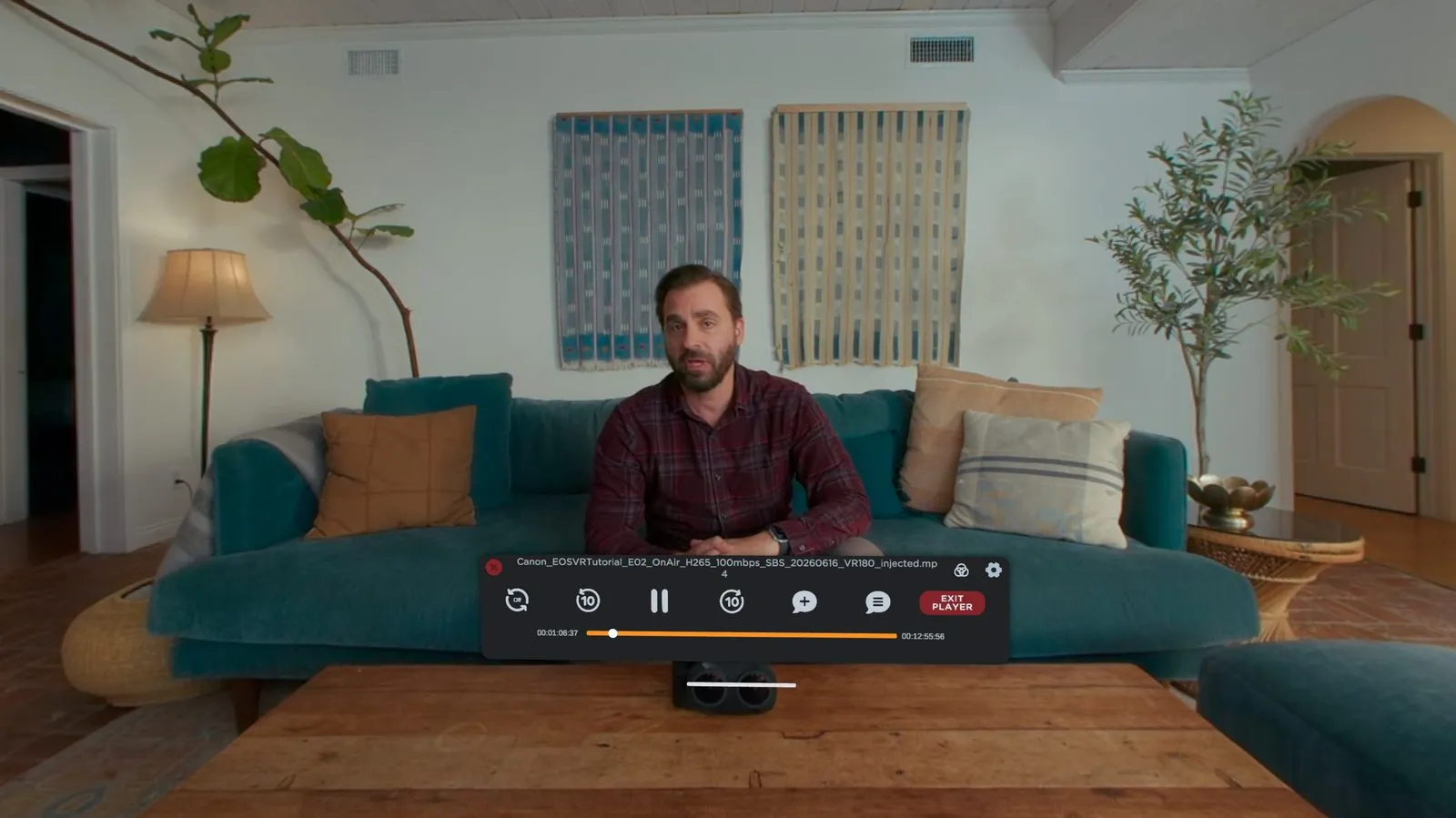
Pause where the problem is. Type it, or say it. It syncs back to Frame.io with the timecode attached — and it can stay pinned in 3D space, right where you were looking.
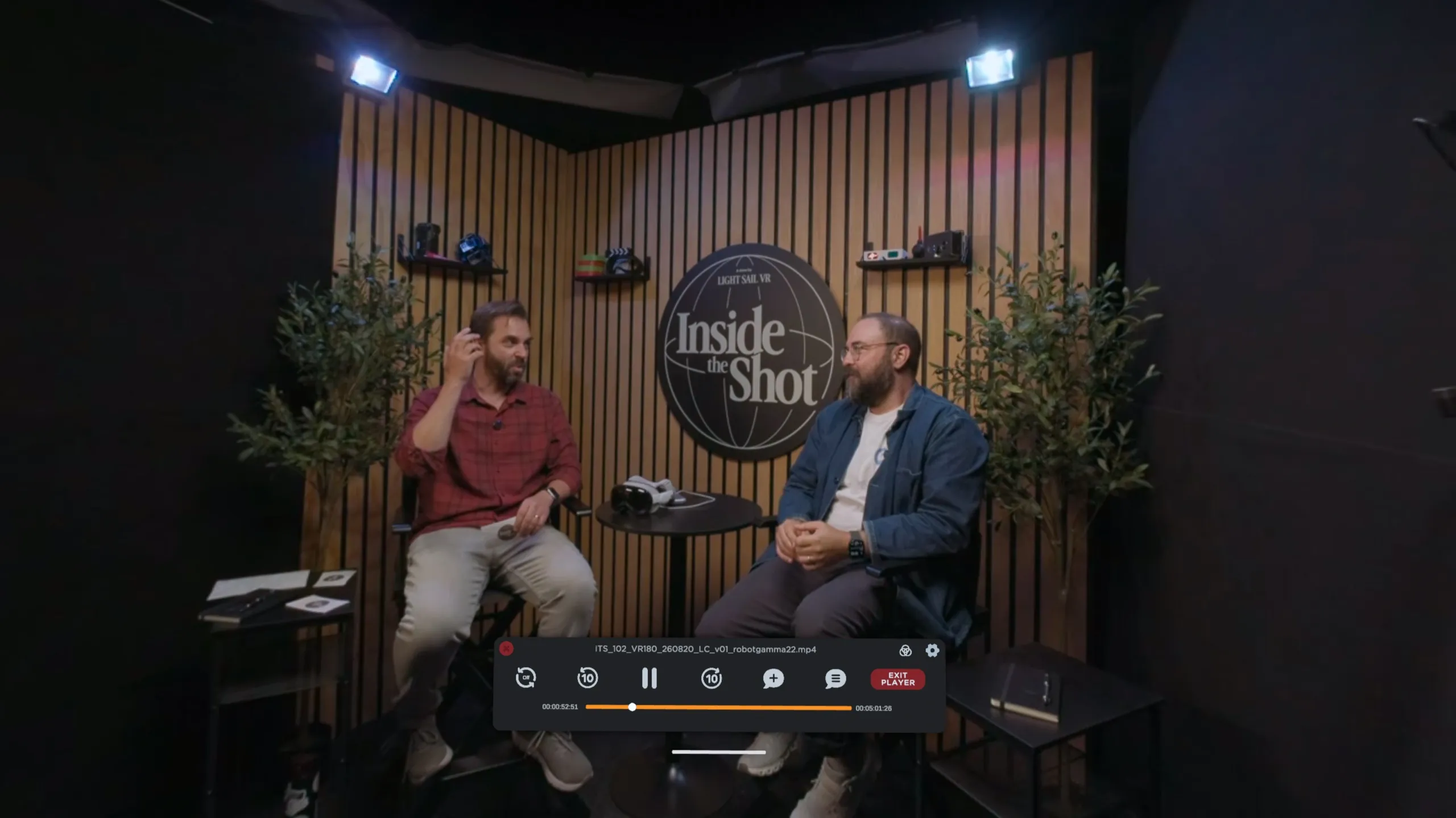
An immersive title isn't finished until the mix works in the space. E-AC-3 with JOC is decoded as a 7.1.4 bed and rendered to a world-locked speaker ring with Meta's HRTF — turn your head and the mix stays put.
Catch stereo faults, stitch errors and convergence problems on the actual delivery rather than a proxy.
Faults found on the master, not the proxy
Anchor the note to the point in the frame you're talking about, with its own direction and timecode.
Notes that don't need a follow-up call
Hand a director, showrunner or client a headset. Their notes go into the same Frame.io thread as everyone else's.
A decision, not a scheduling problem
Meta Quest 3 · 3S · Pro · Requires a Frame.io account
Yes. Screening Room is a review client for Frame.io, not a media host — it signs in with your existing account and reads the projects you already have access to. If your studio is on Frame.io, you're ready. If you've been invited to someone else's project, that works too.
Screening Room supports the Frame.io V4 API and is not affiliated with Frame.io or Adobe.
No — and this is the point. Frame.io stays the system of record. Notes made in the headset appear as ordinary timecoded Frame.io comments, so a producer on a laptop sees them in the normal thread. Status changes made in the headset move for the whole team.
In practice most productions put it on one or two headsets for the people doing the actual immersive QC, and everyone else carries on working the way they already do.
Screening Room decodes E-AC-3 with Joint Object Coding (JOC) and renders it as a 7.1.4 bed through a world-locked speaker ring using Meta's HRTF. Deliver your master with the E-AC-3 JOC track intact and it will be detected and decoded automatically.
If the file carries a plain stereo or 5.1 track instead, it plays back normally — you just won't get the object-based render. Room acoustics are on by default and can be A/B'd from the audio settings if you want to hear the difference.
Flat, 180° and 360° layouts, each in monoscopic, side-by-side or top-bottom stereo — all nine combinations. Meta Quest 3, Quest 3S and Quest Pro.
Eye tracking and look-and-pinch selection require Quest Pro. Hand tracking, controllers and playback microgestures work on every supported headset.
Yes. Add assets to the Download Queue while you're connected, and they'll play back with no network at all. Downloads are resumable and write atomically, so a dropped connection won't leave you with a half-written file that plays back wrong.
Notes made offline need a connection to sync back to Frame.io.
Two things to check. First, confirm the stereo mode in Item Properties matches the file — a top-bottom master read as side-by-side will look badly wrong. Second, open the stereo diagnostic tools and try eye-swap; a surprising number of masters arrive with the eyes reversed.
If the eyes are correct but convergence is uncomfortable, the per-eye offset scrubber lets you find and record the correct value so you can report it precisely to whoever delivered it.
No. Screening Room is free on the Meta Horizon Store, and updates are included.
Most sign-in failures are a genuine rejection rather than a bug — confirm you can sign in to Frame.io in a normal browser with the same account first. If that works and the headset still fails, log out from the bottom bar and sign in again to force a fresh token.
If your projects are missing rather than empty, check whether they live under a different workspace or team; Screening Room shows exactly what your Frame.io account has access to, nothing more.
Still stuck? Email support@lightsailvr.com with the details — including your headset model and the build number from the Settings panel.